Portal type
Firm-specific client experience
Portal / Client Experience
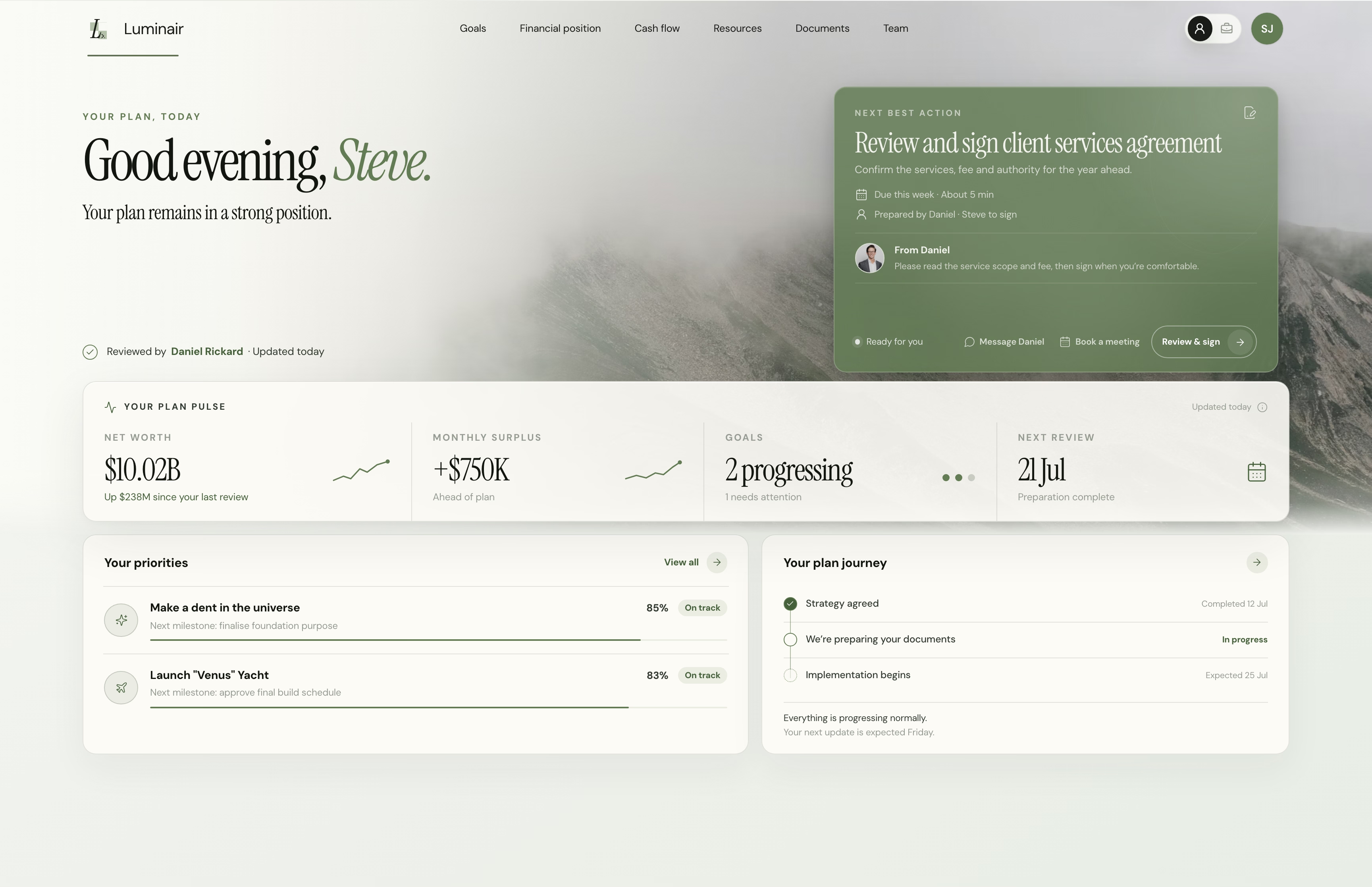
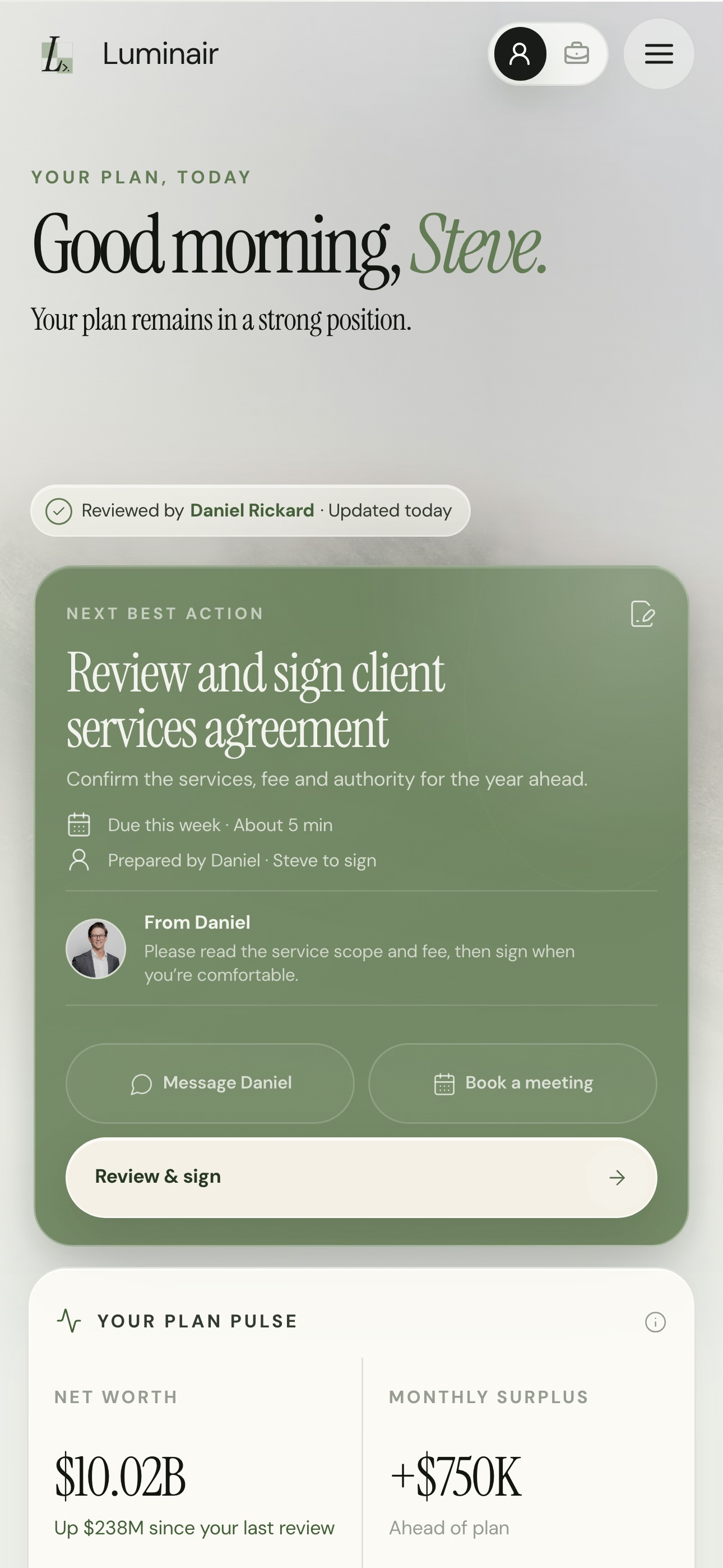
The portal is the client-facing layer of the operating system: onboarding, documents, service workflows, adviser visibility, CRM data, and reporting shaped into one product clients can trust.
Portal type
Firm-specific client experience
Core layer
Dashboard, workflows, documents, data
Behind the glass
Adviser and operations visibility
Commercial start
Scope builder and full quote path
Client layer
The part clients touch needs to feel calm, credible, and easy to return to.
Staff layer
The internal layer shows status, blockers, data quality, and where work is stuck.
System layer
The portal connects to the systems that already run the advice business.
Core Features
These are the common building blocks. If the firm needs calculators, education journeys, custom dashboards, client communities, AI-assisted workflows, or a more unusual digital experience, that becomes part of the scoped brief.
A calmer home for clients to see their next actions, key information, team access, progress, and relevant service moments.
Progressive forms, save and resume, validation, branching, review workflows, and cleaner handoff into the team.
Identity, permissions, client groups, staff roles, and navigation shaped around who should see what.
Document upload, structured document requests, vault-style access, workflow state, and integration with the systems holding the source files.
Adviser and operations views that expose status, blockers, approvals, service events, and the next move for each client.
Portal activity can be wired back to CRM, workflow automation, reporting, notifications, and the operating rhythm of the firm.
The portal can make adoption, service levels, bottlenecks, outstanding actions, and client engagement visible rather than anecdotal.
The portal is treated like a product: branded, responsive, tested, and designed around confidence rather than internal form logic.
How We Build
We start with client journeys, staff handoffs, CRM ownership, document movement, and the workflows the portal needs to make clearer.
Information architecture, screen states, trust cues, navigation, workflow visibility, and branded interface patterns are shaped before the build hardens.
The portal is engineered with the right identity model, data flows, integrations, admin views, and launch controls.
QA, rollout support, adoption review, support paths, and post-launch improvements keep the portal from becoming another abandoned project.
Why Different
Off-the-shelf portals
Tools like myprosperity can be helpful when the desired experience matches their product model. They are less useful when the firm needs custom workflow, data visibility, interface control, or a differentiated client experience.
CRM portals
CRM-native portals can expose data and simple actions, but the client-facing product can inherit CRM complexity, route constraints, and generic interaction patterns.
Luminair portal
The portal is designed as a real product for clients and staff. CRM, documents, identity, workflow, reporting, and service operations sit behind the experience instead of dictating it.
Scope
The scope builder gives a working price range for common portal components. It also gives you room to describe custom features so the final proposal reflects what you actually want to create.